Highlight them All

I work with tons of PDFs and research papers on my PC. It is really hard to keep all of them in order. With a Kindle it is much easier - you buy a book you Highlight and make notes and it becomes an integral part of the book and your reader.
Kindle Highlight for Obsidian
It is amazing open-source plugin. You could export and sync Highlight and notes for a book with a metadata as a Obsidian note
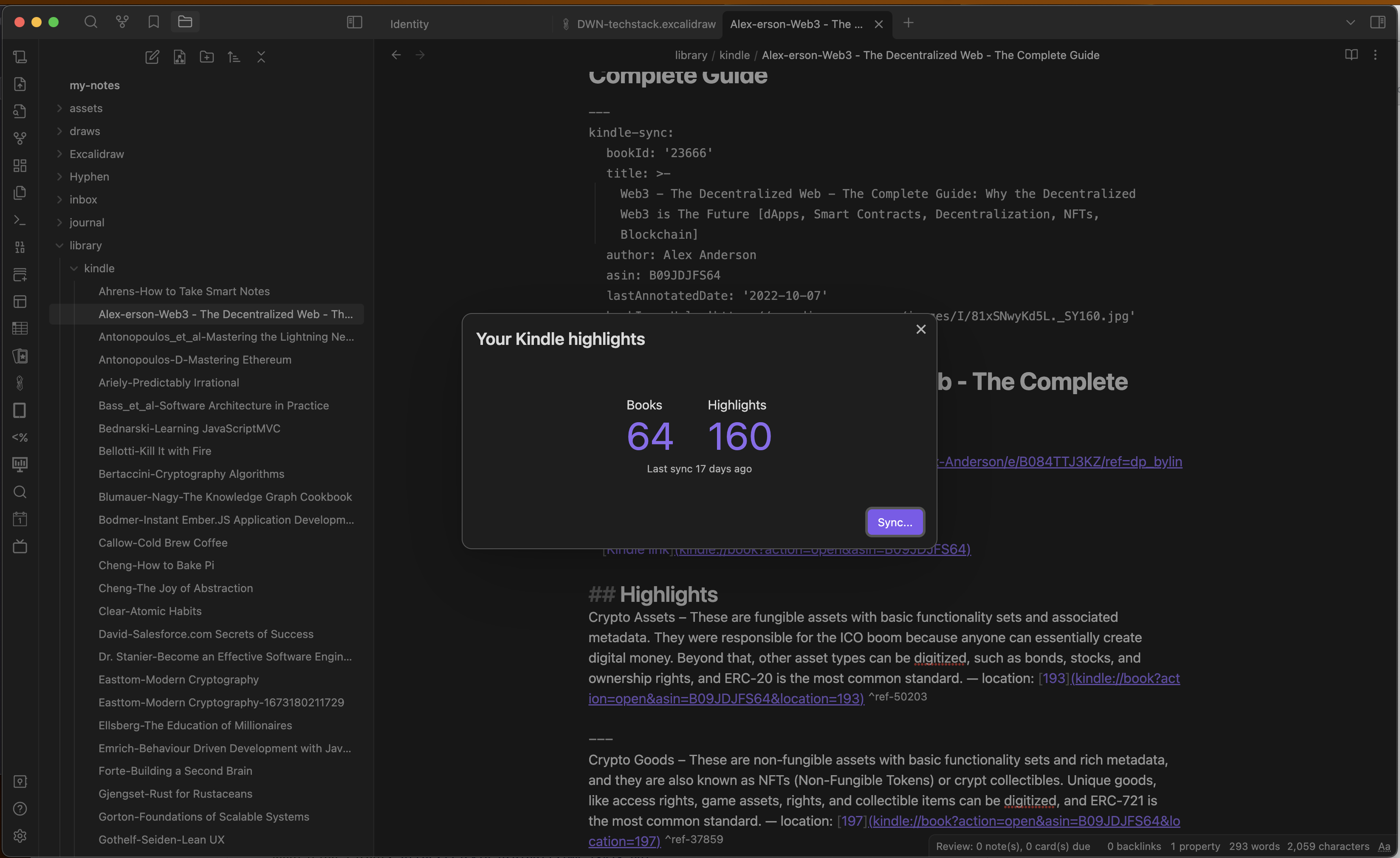 No need to connect local kindle or download a file all could be done via cloud sync but as a result, you get a local copy
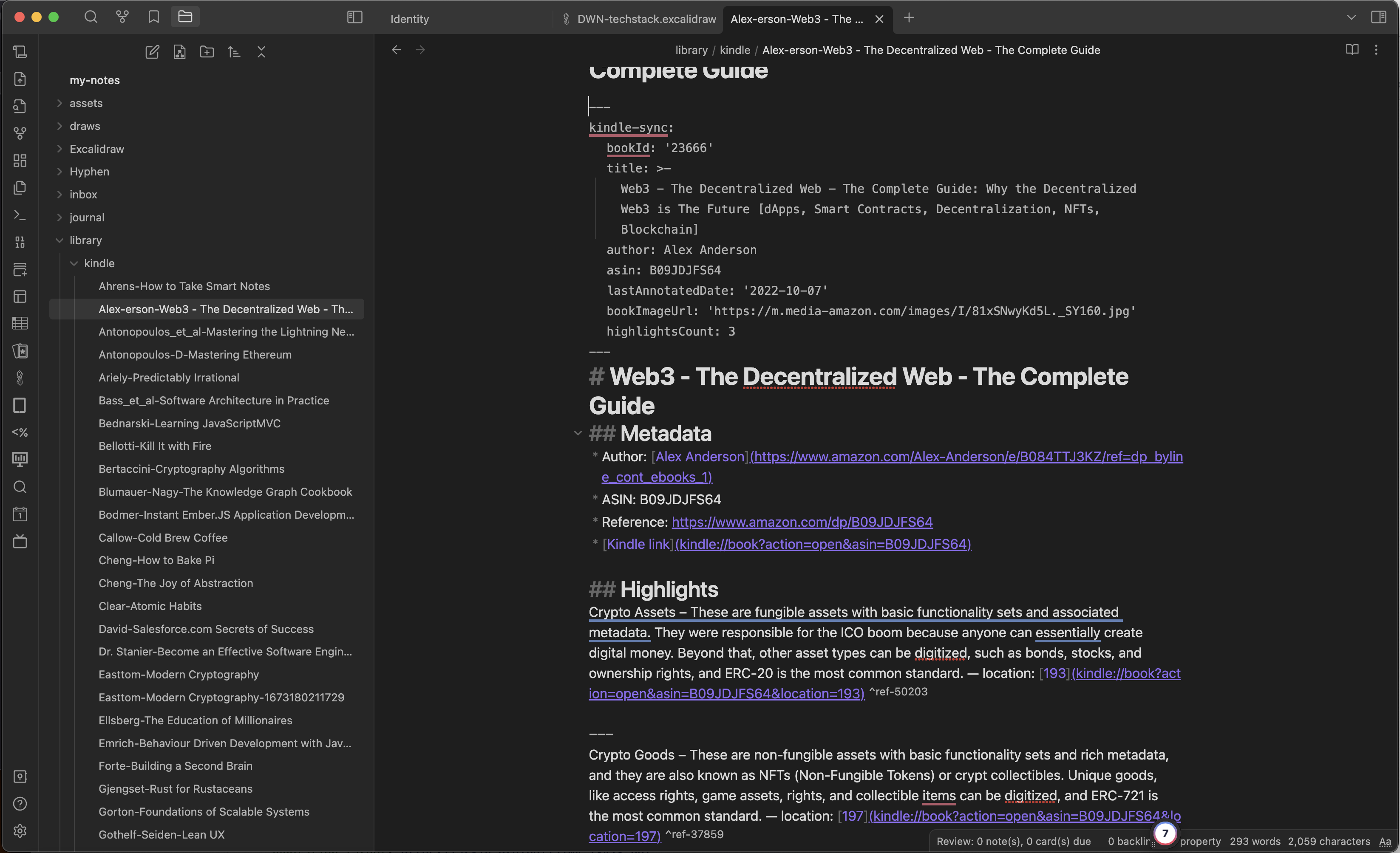 You could configure a lot but by default you have one file per book . file name is book author and book name . File will have a yaml annotation that works amazingly well with a data view plugin and give you tools to write dashboards and queries over your books and notes . Now you could turn every Highlight to refined idea
PDF and EPUB
Yep you could send all to Kindle but it clutter a device and sometimes PDF is not well readable on device. The answer is amazing Obsidian Anotator plugin https://github.com/elias-sundqvist/obsidian-annotator.
Add the property annotation-target to the frontmatter of your obsidian note, with a value corresponding to the location of the EPUB/PDF file. The location can either be a file in the vault (such as Pdfs/mypdf.pdf), or online (such as https://arxiv.org/pdf/2104.13478.pdf)
Then you can, in the open note pane, select “more options” (the three dots in the top right), and a new option “annotate” should be available.
The plugin automatically tries to determine whether the file is an epub or pdf based on the file path, but in case this doesn’t work, you can also add the property annotation-target-type and specify whether it is epub or pdf manually.
If you have a dataview installed, then you can also specify the annotation target with a data view attribute. In this case, obsidian-style links can be used instead of a plain-text path.
So you create separate file that is connected to pdf that you work with and you get a MD file. You could add any arbitrary metadata to a file and use it as a working source
Highlight Highlighted
Do body stops you to continue refine and Highlight on notes that already extracted with https://github.com/chetachiezikeuzor/Highlightr-Plugin



Write a comment